Please find the PDF version at this link.
BLAXTAIR - CHECKLIST LIMITATIONS
KNOWN LIMITATIONS FOR BXT Origin & Standalone
-
Dashboard and Smart display will connect together only if :
-
Smart display’s memory is empty (first use or after a “reset to factory” action in maintenance mode)
-
Checklist is sent
-
Valid pincode entered by driver
-
Application crash (not nominal)
=> This means that a modification in the dashboard (for example change in the planning) will not be taken into account outside the conditions above
-
-
If checklist and pincode are activated on a vehicle, pincode will be requested at each KEY OFF/ KEY ON, not only when Checklist needs to be filled - this acts as an access control.
-
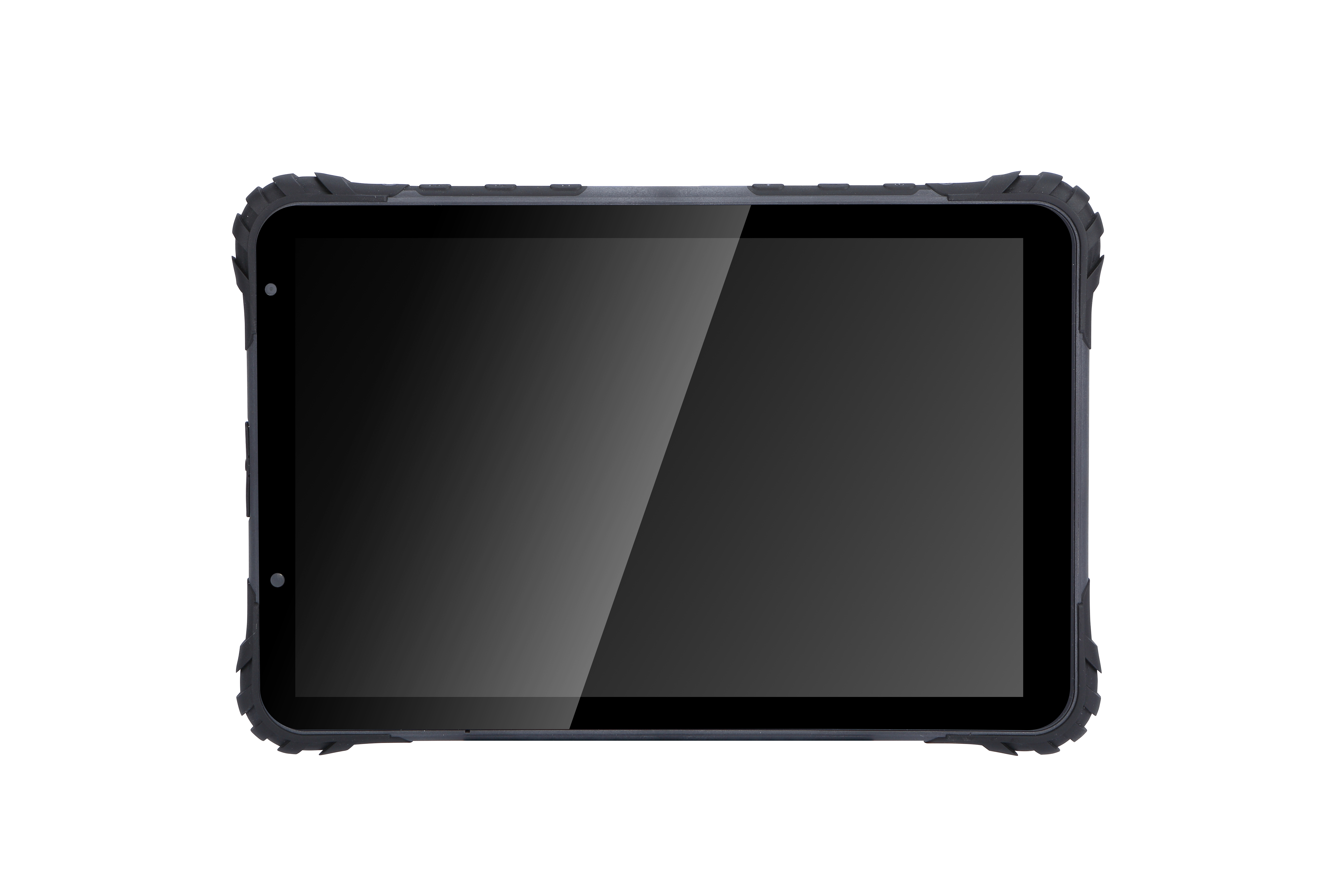
Smart display’s brightness cannot be changed by user (automatic adjustment is active)
-
When BXTO’s option is active, it takes 10s after Key ON to have transition from Checklist page to BXTO’s Camera page.
-
If key OFF/ On performed while in maintenance page, system will open again in maintenance page
-
If controlling discrete output at high level has been activated, it will remain active after Key OFF / ON
=> it’s Mandatory to exit maintenance mode after the needed operation have been performed
-
-
Setting for minimum timer to fill the checklist is in minutes. So it’s not possible to set it to 30s for example.
-
Disclaimer only available in settings and not on opening page of Checklist
-
Since version 0.6.5 (in production since december 2024), it’s possible for user to change the sound volume level using tablet’s button. User can not decrease sound below 25% of max volume.